Every way to reshape a PDF, in one place.

Merge, split, compress, convert and sign your files straight in the browser. Pick a tool below or search for what you need.

18 tools · no install required · files deleted within 1 hour

Organize

Merge PDFCombine files in the order you set Split PDFPull pages out into new files
Rotate PDFFix sideways or upside-down pages Coming soon
Reorder PagesDrag pages into a new sequence Coming soon

Convert

JPG to PDF .pdfCombine images into one PDF PDF to JPG .jpgOne image per page, or a zip
PDF to Word .docxEditable, layout kept Coming soon
Word to PDF .pdfTurn a .docx into a shareable PDF Coming soon

Optimize & secure

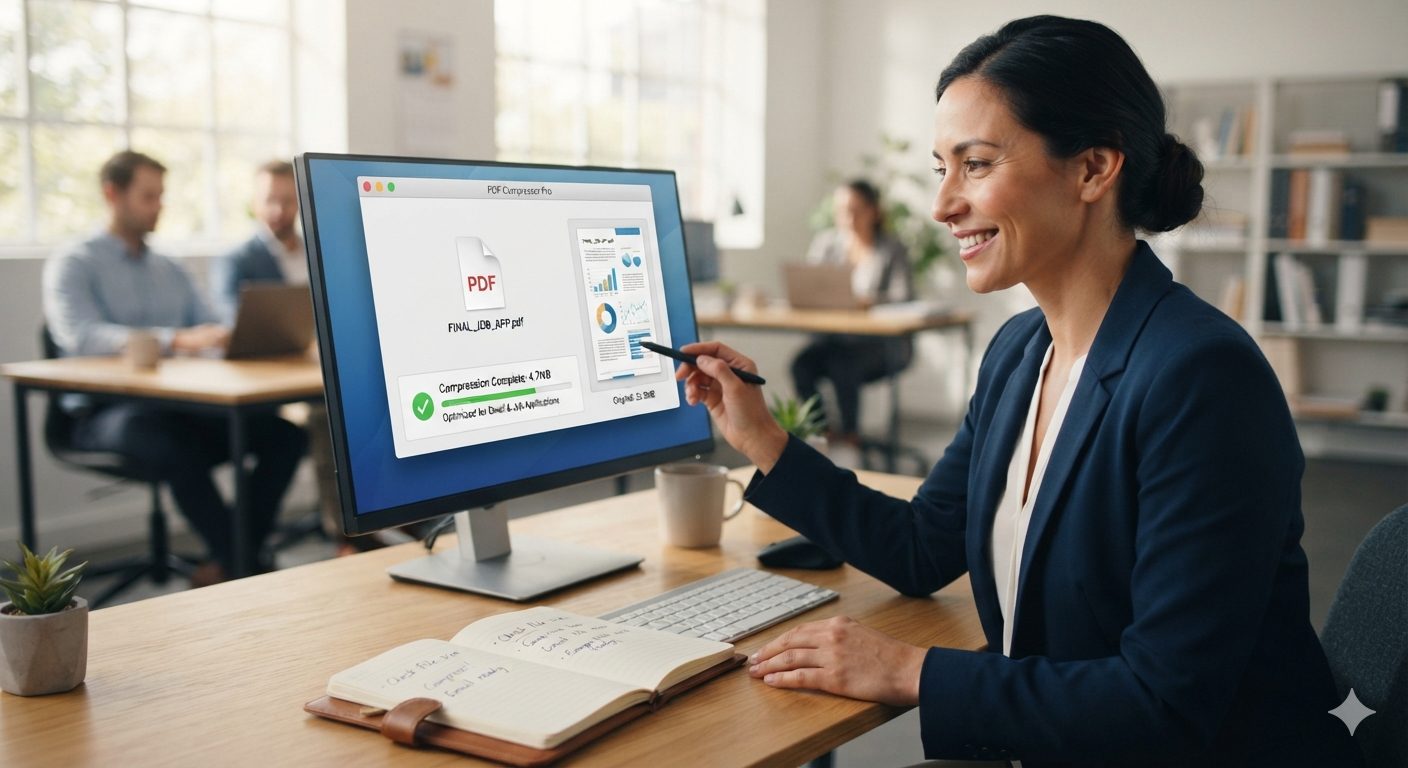
Compress PDFShrink size, keep it readable
WatermarkStamp text or a logo on every page Coming soon
Protect PDFAdd a password before you share it Coming soon
Unlock PDFRemove a password you own Coming soon
Tip

Naming your files page-01.jpg, page-02.jpg and so on before you merge or convert them keeps pages in the order you meant. Most mix-ups happen when a tool sorts files alphabetically instead.

STEP 1

Drop your file

Upload from your device, Google Drive or Dropbox. No account needed to start.

STEP 2

We mutate it

Your file is processed on a private, isolated worker and never shared.

STEP 3

Download the result

Grab your file instantly. Originals and outputs are deleted within the hour.

Who this is for

Real reasons people end up here

Students

Turning phone photos of a reading assignment into one PDF to submit, or compressing a presentation that's too big to upload.

Freelancers & small business

Merging an invoice and a receipt into one file for a client, or shrinking a portfolio down to something that'll actually attach to an email.

Job seekers

Combining a resume, cover letter and references into a single PDF instead of sending three separate attachments.

Anyone with paperwork

Photographing a signed form or a receipt and turning it into a proper PDF instead of a folder of loose photos.

How it's built

The same tool every time, not a different vendor behind each button.

A lot of "free PDF tools" sites are really a dozen different services stitched behind one homepage, each with its own quirks, limits and upsell. FileMutate runs its own processing behind every tool here, so the compressor and the merger and the converter behave consistently: same upload flow, same 100 MB ceiling on the free tier, same one-hour deletion window, no matter which one you're using.

None of the tools require an account to run. If we add optional accounts later for people who want file history or higher limits, the core set stays free and anonymous, the same as it is today.

Good to know

A few honest limits, before you start

·

Compress won't do much if a PDF is already mostly text. There isn't much left to squeeze. It helps most on PDFs full of photos or scanned pages.

·

Unlock only works if you already know the password, or the file is yours to open. It's not a way around a password you've lost or one that isn't yours to remove.

·

Merge doesn't resize mismatched pages to match. If your files use different page dimensions, each page keeps its own size in the final PDF.

·

JPG to PDF can't add detail that wasn't in the photo to begin with. The PDF will look exactly as sharp, or as blurry, as the image you started with.

From the blog

All posts →
Convert · 5 min read

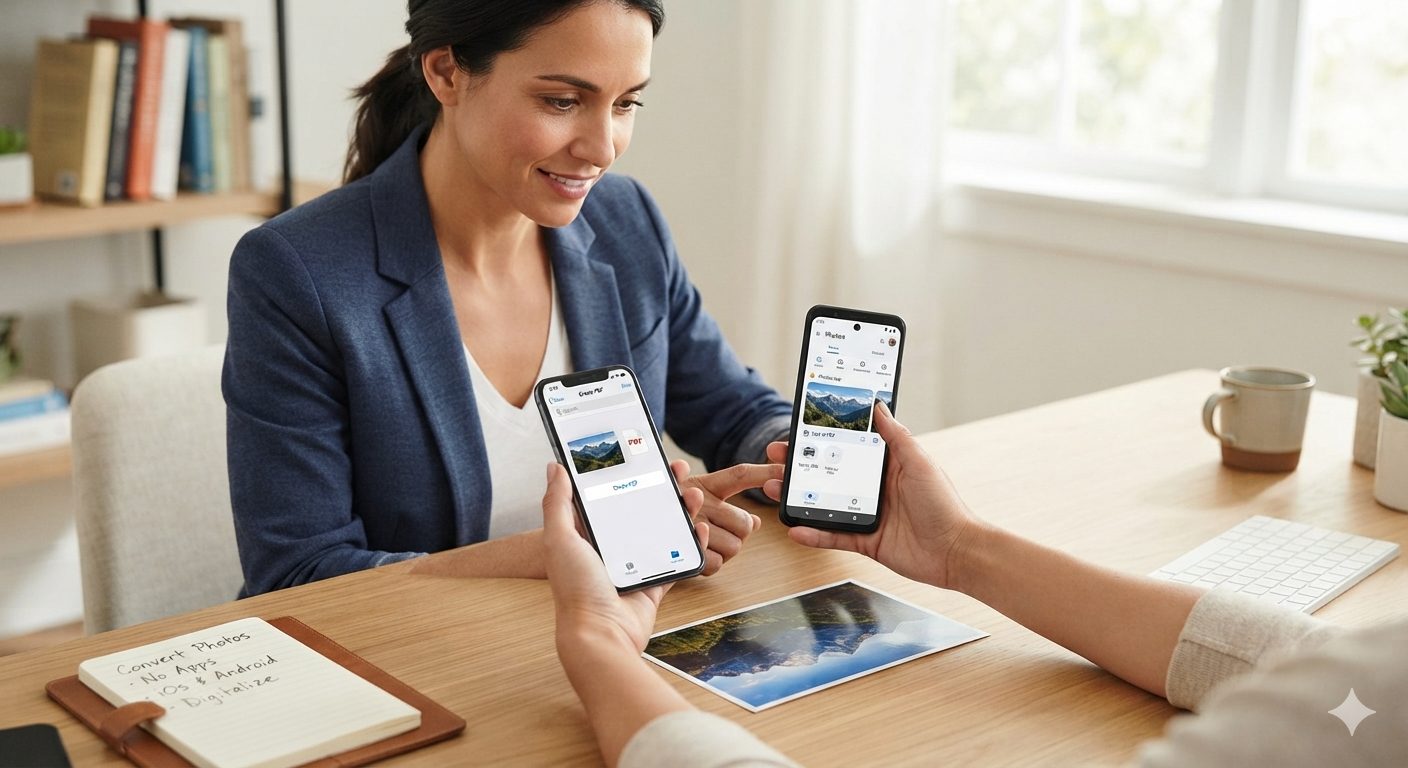
Turning Phone Photos of Documents Into a Clean PDF

A phone camera works fine as a scanner substitute. The result depends more on how you take the photo...

Convert · 5 min read

How to Convert JPG to PDF Without Losing Image Quality

JPG to PDF is a lossless step by default. Here's what actually determines how sharp your images look...

FAQ

Questions people usually ask first

Is FileMutate actually free?

Yes. Every tool listed on the homepage is free to use, with no card and no signup. There's a 100 MB file size limit per upload on the free tier; if we ever introduce a paid tier for larger files or higher volume, it'll sit alongside the free tools, not replace them.

Do I need to create an account?

No. Upload a file, run the tool, download the result. There's currently no public sign-up at all, so there's nothing to create or remember.

Is it safe to upload my files?

Uploads go over an encrypted connection and are only used to run the tool you asked for. Nobody on our side opens or reviews file contents, and nothing is used to train a model or shared with advertisers. See the Privacy Policy for the full detail.

What happens to my files afterward?

Both the file you uploaded and the result are deleted automatically within one hour, whether you download it or not. Nothing is kept longer than that on our servers.

Does this work on my phone?

Yes, every tool runs in the browser, so it works the same on a phone, tablet or laptop. No app to install.

The tool I need isn't listed. What now?

More tools are on the way. Tell us what you need and it goes straight into deciding what we build next.